BuildBox
BuildBox is a tool I started developing in 2020 as part of my job at Trusted Objects.
Its purpose is to make team project management and the production of reproducible deliverables easier, through a unified process and within an isolated environment.
In 2026, it was published on GitHub and released by the company under the GPLv2 free software license.

Motivations
The R&D team at Trusted Objects had recurring needs that led to the creation of BuildBox, these needs are detailed below.
Working as a team
We were working as a team on projects involving several software components, and often requiring cross-compilation.
There was a constant need to stay in sync with the changes made by each of us, on the projects themselves as well as on their environment (toolchain, delivery process).
BuildBox makes it possible to version every component of a project: source code (through Git), libraries, scripts, build toolchains, and offers a simple way to update the local copy.
Reproducible deliverables
We also had to make sure our deliverables were reproducible, in order to be able to produce updates in the long run while keeping control over every component involved.
Being able to compare two releases of the same project also proved useful, on the code, the libraries and the software components as much as on the tools involved.
BuildBox maintains a profile attached to each project, which describes precisely every component involved.
Abstracting dependency issues
Switching from one project to another often requires a lot of dependencies, especially when working with different build toolchains and with cross-compilation. Preparing a workstation can take a while before being able to start developing on a project.
Every BuildBox project runs in a container that depends on a Docker image.
That image can be either the generic BuildBox image, or an image derived from it and more specific to the context of the project.
It provides the whole environment needed, so no dependency is required on the developer's machine, other than having BuildBox installed.
Unified process
Building, testing and delivering intrinsically depend on the context of a project. We were a small team responsible for several projects, so having a single way of carrying out each of these steps was desirable.
BuildBox offers commands that are always the same and that follow recipes described in the profile of the projects, for each step of the development and delivery cycle.
Implementation
BuildBox was developed as a shell script (compatible with Bash and ZSH) and is organized around containers that provide the environment of the projects.
Each instance of a project has its own container. It can be created from the generic BuildBox image, or from an image derived from it.
The operations on the project (building, testing, producing deliverables) take place entirely inside the container.
The user interacts with BuildBox on the command line through the bbx entry point. Everything related to the life cycle of the containers is transparent.
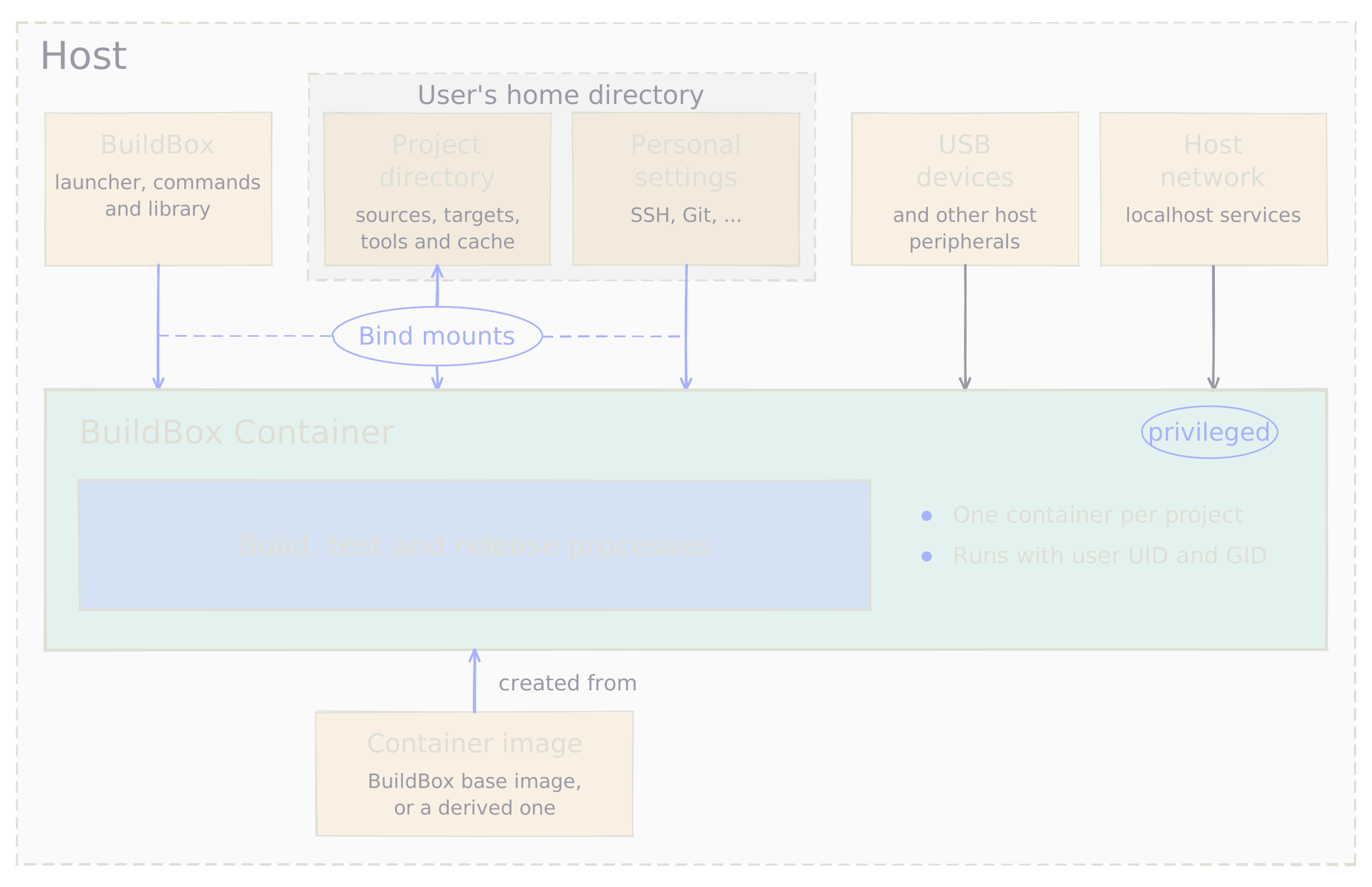
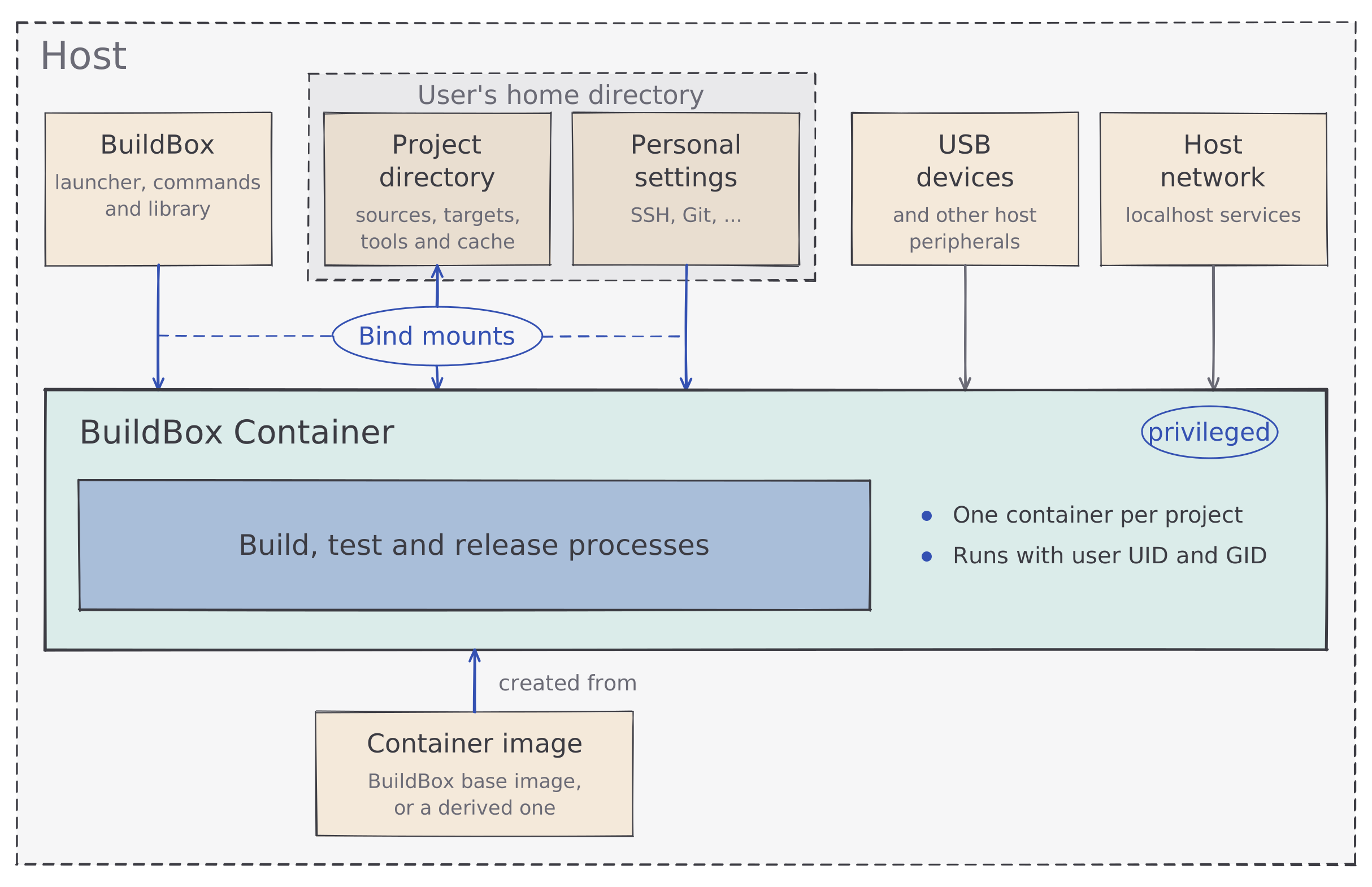 What the host lends the container of a project, the image it comes from, and the processes running inside it.
An API is provided to be able to write scripts working with BuildBox inside the containers.
Concepts
Here is how a BuildBox project is organized.
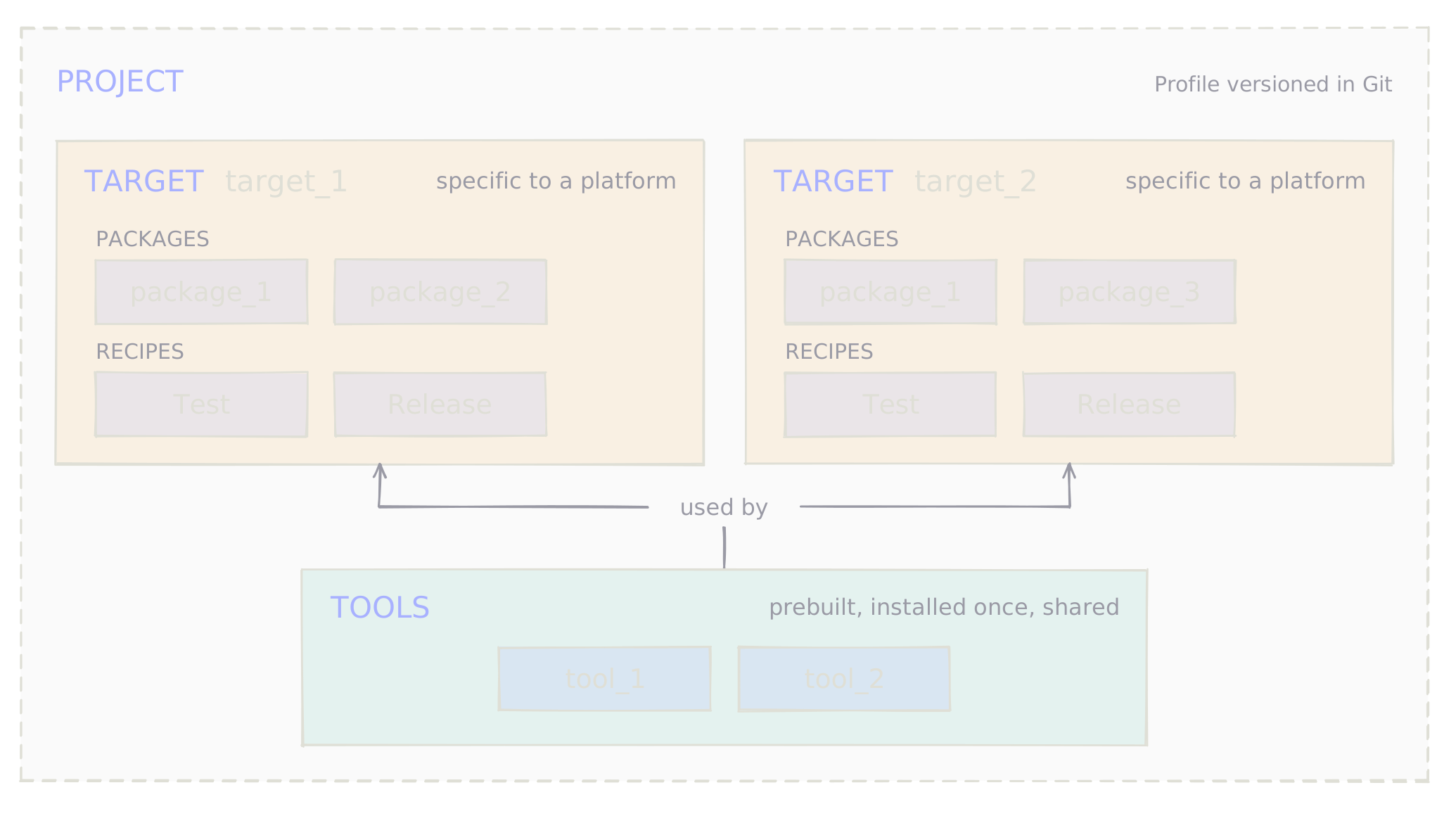
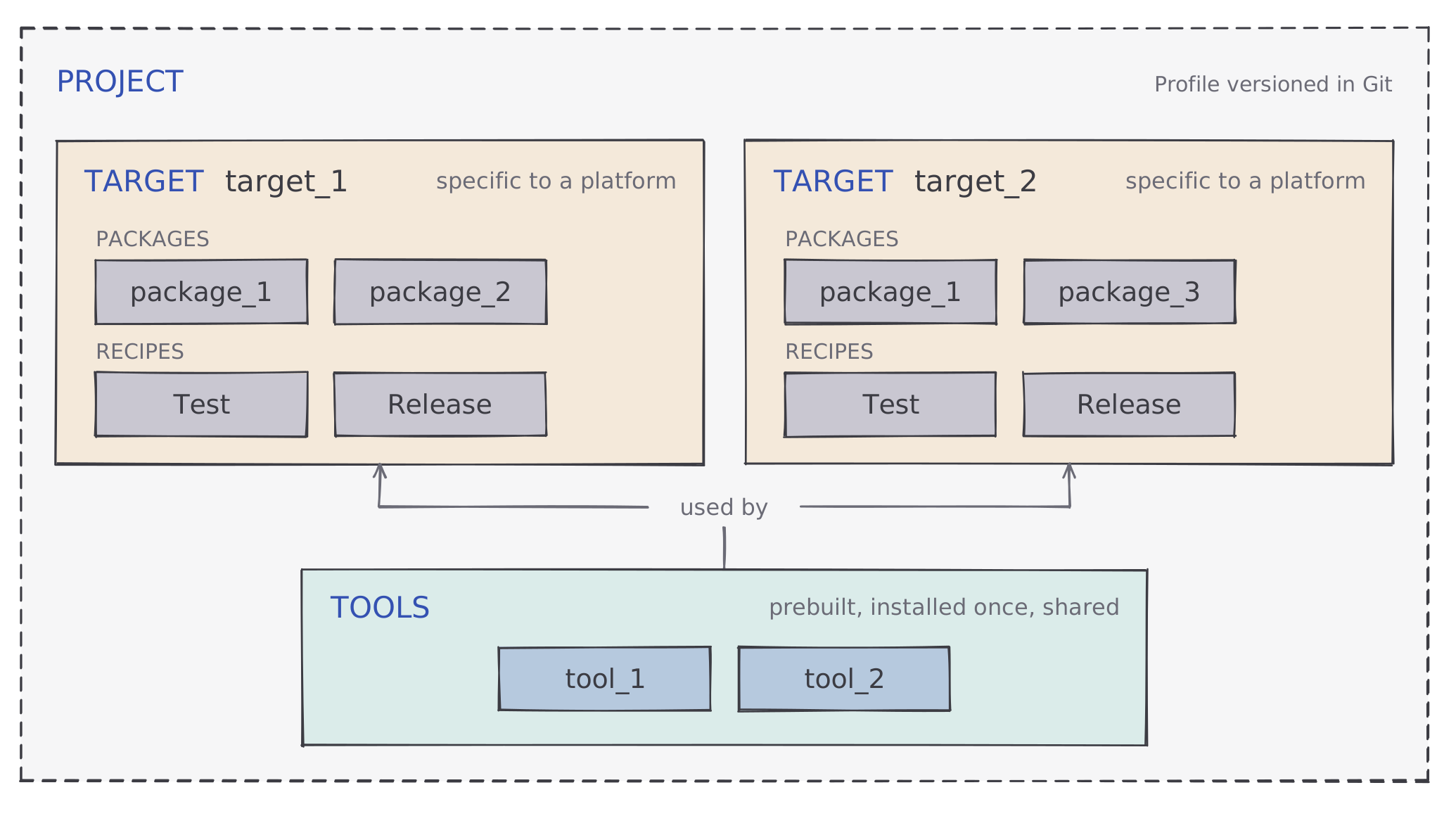 The organization of a project: its targets, the packages they embed, and the tools they share.
Packages stand for the software components (libraries, programs, resources) involved in building one or several targets.
Tools can be quite diverse: build toolchains, scripts, libraries, or programs.
Results
BuildBox has been used in the development and delivery process of every Trusted Objects project since 2020.
Its integration into Jenkins made deliveries simpler, and made it possible to run automatic tests periodically on different projects, with very similar Jenkinsfile despite the significant differences in context from one project to another.
BuildBox being generic enough and having reached a certain maturity, it was decided to publish it on GitHub under a free software license in 2026.
Example
I have set up a small example project to compile VLC media player through BuildBox, with which you can create an x86-64 AppImage of VLC media player.
Compiling VLC indeed requires quite a few dependencies and several steps, but all of this becomes much simpler through this BuildBox project.
BuildBox official website
BuildBox GitHub
BuildBox API
Trusted Objects official website
Generic image on Docker Hub
Compiling VLC media player through BuildBox
BuildBox was developed without AI until the end of 2025; AI was brought in in 2026 to assist the development of new features, the writing of the tests, and the release under a free software license.
Learn more…